.svg)
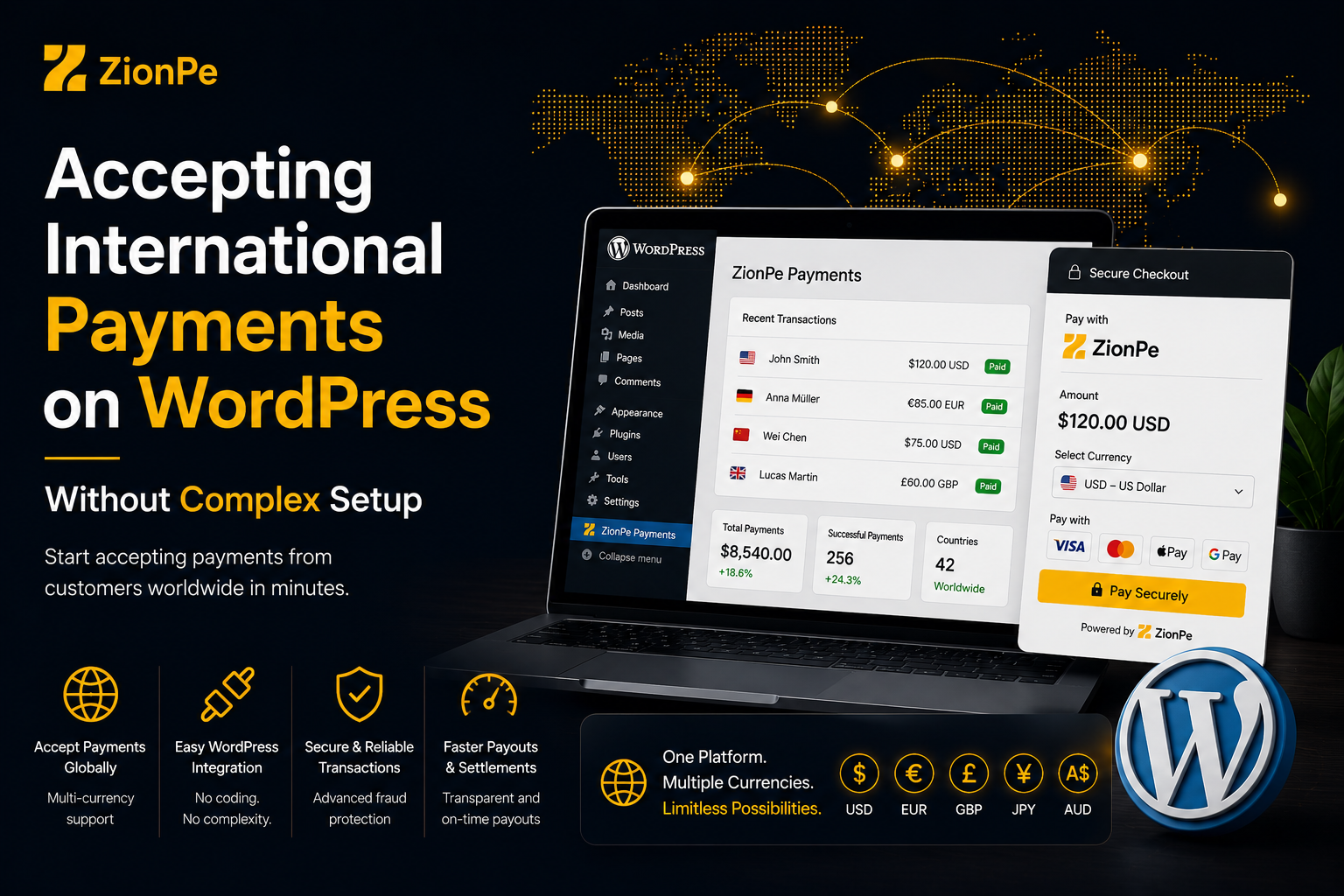
WordPress powers more than 40% of the internet, making it the go-to platform for freelancers, startups, agencies, bloggers, and e-commerce businesses. But when it comes to accepting international payments on WordPress, many site owners hit a wall complex plugin, rejected payment gateways, country restrictions, and technical headaches.
The good news? You don’t need a complicated setup or multiple tools to accept global payments on WordPress.
This guide explains how to accept international payments on WordPress without complex setup, the common challenges businesses face, and how modern solutions like ZionPe simplify the entire process.
Table of Contents
- Why Accepting International Payments on WordPress Is Challenging
- What “Complex Setup” Usually Looks Like
- What You Actually Need to Accept Global Payments
- Simple Ways to Accept International Payments on WordPress
- Using ZionPe with WooCommerce on WordPress
- Accepting Payments Without Full E-Commerce Setup
- Security, Compliance, and Trust Considerations
- Who This Setup Is Best For
- Common Mistakes to Avoid
- Final Thoughts
1. Why Accepting International Payments on WordPress Is Challenging
Many WordPress users struggle with international payments because:
- Popular gateways don’t support all countries
- Approval processes are slow or strict
- Multiple plugins are required
- Technical configuration is confusing
- Currency and compliance issues arise
For global founders and non-resident businesses, these issues are even more common. A WordPress site may be ready but payments block growth.
2. What “Complex Setup” Usually Looks Like
A typical complex setup involves:
- Installing multiple payment plugins
- Connecting third-party services
- Handling API keys and webhooks
- Managing currency conversions manually
- Fixing checkout or plugin conflicts
This approach:
- Takes time
- Breaks easily
- Creates security risks
- Confuses customers
Most businesses don’t need this level of complexity especially service-based or global-first businesses.
3. What You Actually Need to Accept Global Payments
To accept international payments on WordPress, you really only need:
- A reliable payment gateway
- A secure checkout or payment flow
- Simple integration with WordPress or WooCommerce
- Compliance-ready processing
Everything else is optional.
This is where simplified, modern gateways make a difference.
4. Simple Ways to Accept International Payments on WordPress
There are three main ways to accept global payments on WordPress without complex setup.
Option 1: WooCommerce Payment Gateway Integration
Best for:
- Online stores
- Digital product sellers
- Subscription-style businesses
Option 2: Payment Links Embedded on Pages
Best for:
- Freelancers
- Consultants
- Service-based businesses
Option 3: Invoice-Based Payments
Best for:
- Agencies
- B2B services
- Custom pricing models
ZionPe supports all three approaches depending on how your business operates.
5. Using ZionPe with WooCommerce on WordPress
For WordPress sites running WooCommerce, ZionPe offers a simple payment gateway integration that allows you to accept international card payments directly on checkout.
How It Works
- Install and activate WooCommerce
- Enable ZionPe as a payment method
- Customers pay securely at checkout
- Payments are tracked from one dashboard
Why This Is Simple
- No custom coding required
- Clean checkout experience
- Faster approval than traditional gateways
- Designed for global businesses
This setup is ideal for store owners who want to sell internationally without payment restrictions.
6. Accepting Payments Without Full E-Commerce Setup
Not every WordPress site is an online store.
If you sell services, courses, or custom projects, you don’t need WooCommerce at all.
Use Payment Links
With ZionPe, you can:
- Create a payment link
- Add it to a WordPress page or button
- Share it via email or contact forms
Customers click the link and pay securely no cart, no checkout complexity.
Use Online Invoices
For client-based work:
- Send invoices with built-in payment options
- Accept international card payments
- Track payment status automatically
This is perfect for agencies, freelancers, and consultants.
7. Security, Compliance, and Trust Considerations
Accepting global payments requires strong security and compliance.
ZionPe supports:
- Encrypted payment processing
- Secure checkout environments
- PCI-DSS–aligned processing via licensed partners
- KYC and verification to protect businesses
For customers, this means:
- Trustworthy checkout
- Reduced fraud risk
- Confidence when paying internationally
For businesses, it means fewer disputes and fewer payment interruptions.
8. Who This Setup Is Best For
Accepting international payments on WordPress with a simplified setup is ideal for:
- Freelancers with WordPress portfolios
- Agencies offering global services
- SaaS startups using WordPress landing pages
- E-commerce sellers targeting international customers
- Non-resident founders running global businesses
If your business is global-first, simplicity matters.
9. Common Mistakes to Avoid
❌ Choosing a gateway without country support
❌ Overloading WordPress with too many plugins
❌ Delaying payment setup until after launch
❌ Relying only on manual bank transfers
❌ Ignoring compliance requirements
Using a streamlined gateway from the start avoids most of these issues.
10. Final Thoughts
Accepting international payments on WordPress doesn’t have to be technical or frustrating. With the right approach, businesses can move from website-ready to payment-ready quickly without complex plugins or fragile setups.
By supporting WooCommerce integration, payment links, and online invoicing, ZionPe enables WordPress users to accept global payments in a way that matches how modern businesses actually work.
If your goal is to accept international payments on WordPress without complexity, choosing a payment gateway designed for global businesses makes all the difference.