.svg)
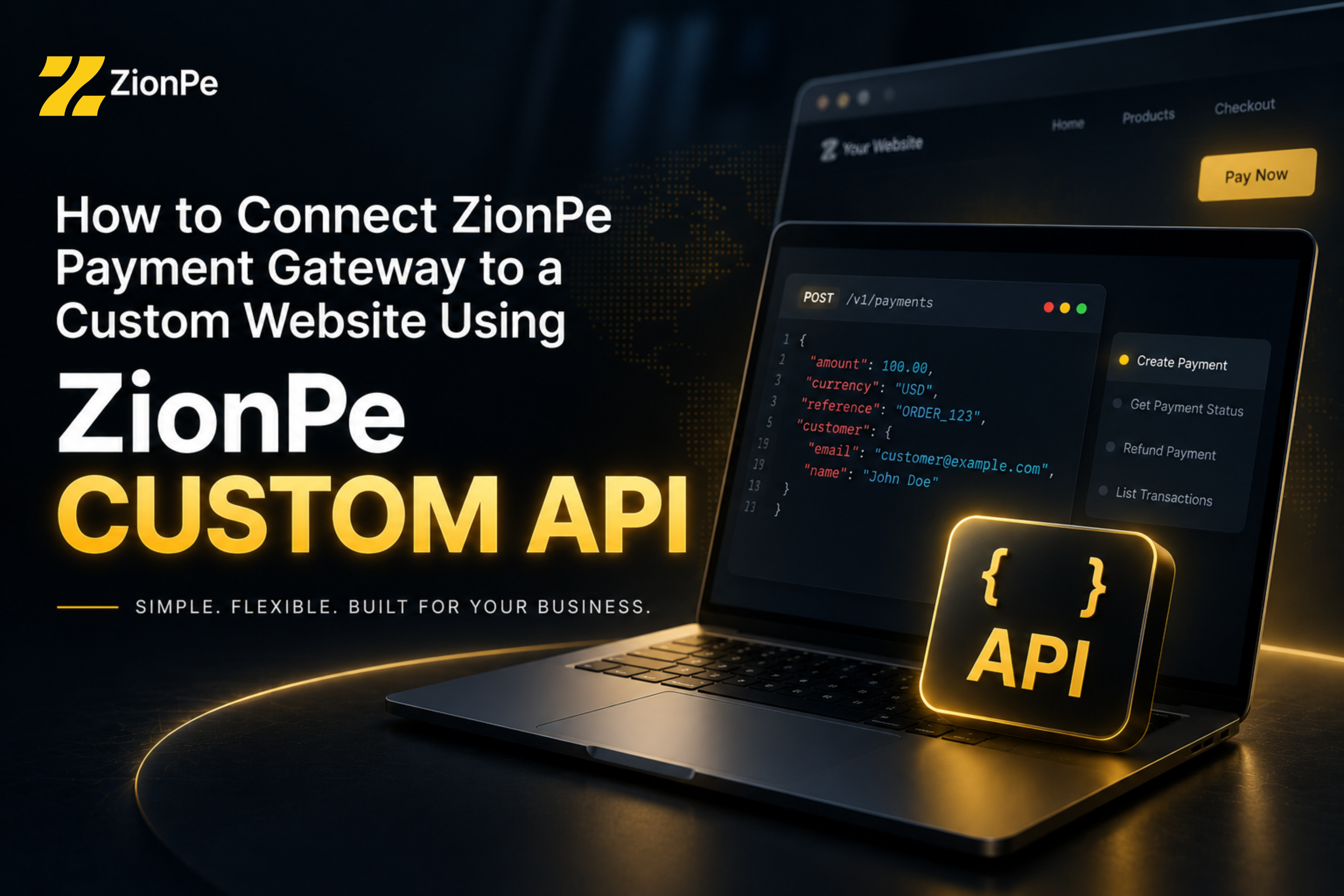
Meta Description: Learn how to connect ZionPe to a custom-built website using its Payments API, create checkout sessions, redirect customers to secure checkout, and verify payments with webhooks.
For businesses building their own websites and web applications, choosing a payment gateway often comes down to one important question: How much control do developers have over the payment experience?
A pre-built eCommerce plugin can be convenient, but it may not be suitable for a SaaS platform, marketplace, booking system, membership website, custom web application, or any business with its own ordering and billing logic.
This is where ZionPe's Custom Website API comes in.
Instead of requiring businesses to rebuild their website around a particular eCommerce platform, ZionPe allows developers to connect their existing custom-built website or application to ZionPe Payments through an API. The website creates a payment session from its backend, receives a checkout URL, sends the customer to the secure ZionPe checkout, and can then receive payment confirmation through the appropriate verification and webhook mechanisms.
What Is ZionPe's Custom API?
ZionPe's Custom Website feature is designed for developers who want to accept payments through ZionPe on a website or application that they have built themselves.
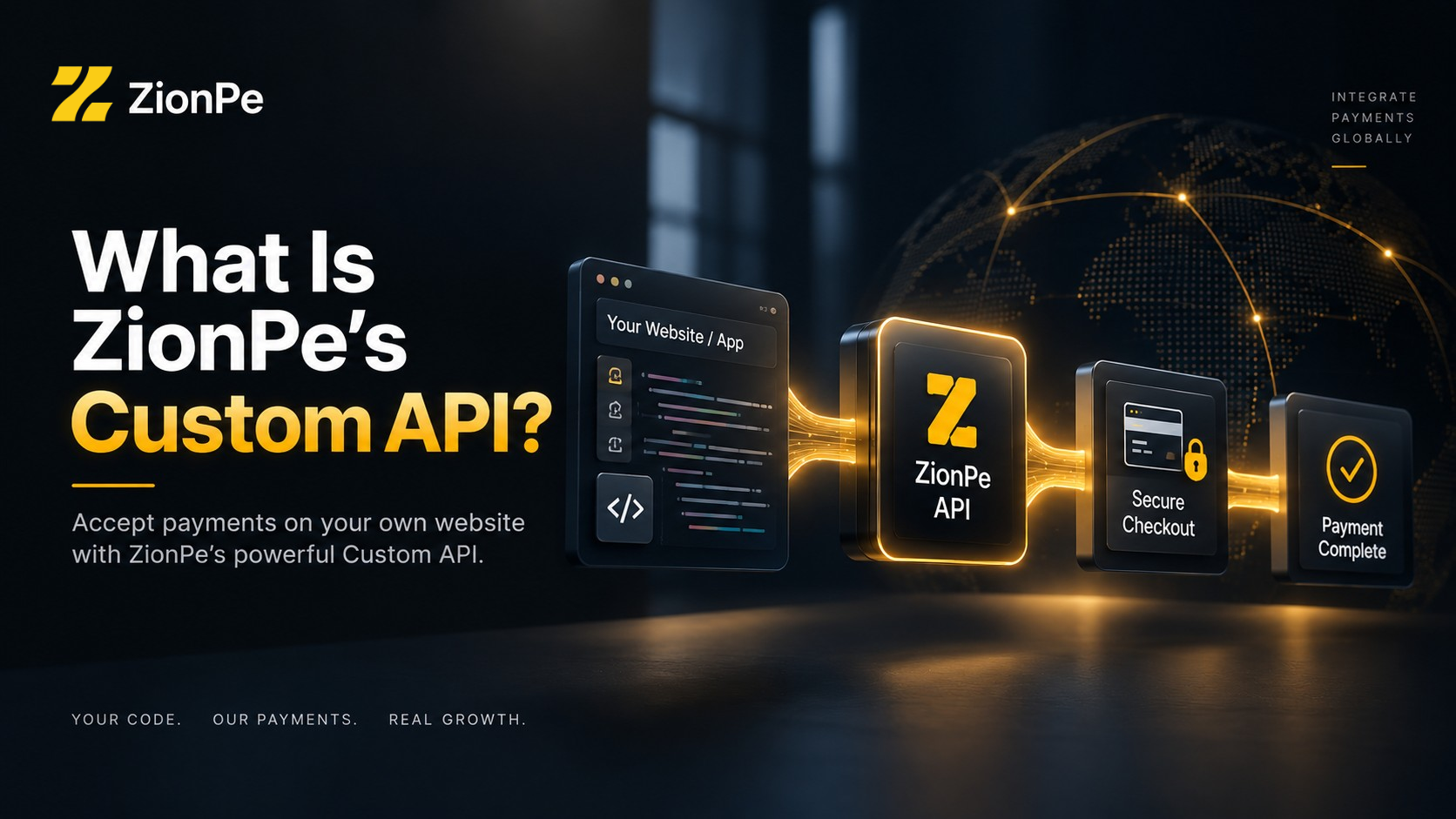
The basic concept is straightforward:
Your website → ZionPe API → ZionPe Checkout → Payment → Your website
A developer doesn't need to create an entire card-payment infrastructure from scratch. Instead, the custom website communicates with the ZionPe Payments API to create a checkout session.
According to ZionPe's developer documentation, the Payments API uses a hosted checkout model. Your server creates the checkout session, ZionPe returns a checkout URL, and the customer is directed to that secure payment page.
After the payment, the customer can be returned to your website, while payment events can also be communicated to your backend through webhooks.
This makes the integration particularly useful for businesses that already have their own:
• Custom eCommerce website
• SaaS application
• Booking platform
• Membership website
• Digital product platform
• Marketplace
• Business management system
• CRM or ERP
• Web application
• Custom ordering system
In other words, if you can make an HTTP API request from your backend, you can potentially connect your application to ZionPe.
How the ZionPe Custom Website Integration Works
The integration can be thought of as a simple five-stage process.
1. Customer places an order
A customer visits your website and selects a product, service, subscription, booking, or other item. Your existing website handles everything related to the order.
For example:
Your application calculates the order and prepares the payment request.
2. Your server creates a ZionPe checkout session
Your backend sends the order information to the ZionPe Payments API.
The API endpoint for creating a checkout session is:
POST https://zionpe.com/api/checkout/sessions
The request can contain information such as the site key, amount or line items, currency, success URL, cancellation URL, customer email and metadata.
Product: Professional Website Package Quantity: 1
Amount: £299
A simplified example looks like this:
  const response = await fetch(
    "https://zionpe.com/api/checkout/sessions",
    {
      method: "POST",
      headers: {
        "Content-Type": "application/json"
      },
      body: JSON.stringify({
        site_key: process.env.ZIONPE_SITE_KEY,
        line_items: [
          {
            name: "Professional Website Package",
            amount: 299,
            quantity: 1
} ],
        currency: "GBP",
        success_url: "https://yourwebsite.com/payment/success",
        cancel_url: "https://yourwebsite.com/payment/cancel"
}) }
  );
  const session = await response.json();
The important point is that the API request should be made from your server, rather than exposing credentials in frontend JavaScript. ZionPe's documentation specifically recommends keeping credentials server-side and using environment variables.
3. Redirect the Customer to ZionPe Checkout
Once the checkout session is created, ZionPe provides a checkout_url. Your website can redirect the customer to that URL.
The customer's journey therefore looks something like:
Your Website → Checkout Button → ZionPe Secure Checkout → Payment
This is an important distinction.
ZionPe's Custom Website API does not require you to build your own card-processing infrastructure. ZionPe provides the hosted checkout page while your website controls the surrounding customer journey and business logic.
For a custom-built website, this can significantly simplify the technical side of accepting online payments.
4. The Customer Completes Payment
At checkout, the customer can complete the payment through the payment methods supported by the ZionPe checkout.
ZionPe highlight card payments, Apple Pay, Google Pay, Pay by Bank, ACH Transfer and 3D Secure support as part of its hosted checkout experience.
The hosted approach also means the developer does not need to build every payment-security component into the website's frontend.
The application is responsible for creating the appropriate checkout session and handling the result, while ZionPe handles the hosted payment page.
5. Your Website Receives Confirmation
After payment, the customer can be redirected to the success URL specified when creating the checkout session.
API documentation states that the redirect can contain identifiers such as the session_id and payment_intent. Developers can then verify the payment server-side rather than simply trusting the browser redirect.
This is an important best practice.
Your application shouldn't simply assume:
Instead, your backend should verify the payment and then update the relevant order. For example:
Payment completed
↓
Customer returns to your website
↓
Your server verifies payment
↓
Order marked as paid
↓
Product/service is delivered
ZionPe also supports signed webhooks for payment events, allowing your server to receive payment-related notifications independently of the customer's browser session.
Why Use a Hosted Checkout for a Custom Website?
One of the biggest advantages of this architecture is that developers don't have to choose between custom website functionality and a professionally managed payment checkout.
You can keep your website completely custom while outsourcing the payment checkout layer to ZionPe. For example, imagine a company has built a custom booking platform.
"The customer reached the success page, therefore the payment succeeded."
The website already handles:
• Customer registration
• Availability
• Booking selection
• Pricing
• Discounts
• Customer accounts
• Booking management
Instead of rebuilding the entire payment system, the developer can add a Pay Now button that creates a ZionPe checkout session.
The flow becomes:
Custom Booking System
↓
Create ZionPe Checkout Session
↓
ZionPe Hosted Checkout
↓
Customer Pays
↓
Payment Verification/Webhook
↓
Booking Confirmed
This architecture can work equally well for products, services, subscriptions, digital downloads, appointments and many other use cases.
What Developers Need to Get Started
The Custom Website integration is designed around a relatively small set of building blocks.
ZionPe Site Key
The Site Key identifies the account making the API request.
It is supplied as part of the API request body. Our documentation recommends keeping the key secure and storing it in an environment variable rather than exposing it in client-side code or public repositories.
Site Secret
The Site Secret is used to sign API requests.
This is particularly important from a security perspective: the Site Secret should remain on your server and should never be placed into frontend code.
ZionPe uses HMAC signing for signed API requests and signed webhooks. Backend Application
Your website needs a backend or another secure server-side environment, that can communicate with the ZionPe API.
This could be built using technologies such as:
• Node.js
• PHP
• Laravel
• Python
• Another backend language capable of making HTTPS requests
ZionPe provides Node.js and PHP/Laravel libraries, while developers using other languages can implement the documented signing process themselves.
What Information Can Be Sent to ZionPe?
The checkout session API supports several useful fields. Depending on the integration, developers can provide:
• Site key
• Amount
• Line items
• Product names • Quantities
• Currency
• Customer email
• Success URL
• Cancel URL
• Metadata
• Checkout expiration
Line items can be particularly useful for custom eCommerce applications because the developer can send multiple products as part of a single checkout session.
For example:
  {
    "site_key": "YOUR_SITE_KEY",
    "line_items": [
      {
        "name": "Website Hosting",
        "amount": 15,
        "quantity": 1
}, {
        "name": "SSL Certificate",
        "amount": 10,
        "quantity": 1
} ],
    "currency": "GBP",
    "success_url": "https://example.com/payment/success",
    "cancel_url": "https://example.com/payment/cancel"
}
Never replace the placeholder above with a real Site Secret or publish private credentials in source code.
Security: Keep Payment Credentials on the Server
For developers implementing a custom payment gateway integration, credential management is one of the most important considerations.
The frontend should not contain private credentials.
Instead, sensitive configuration should be stored as environment variables:
  ZIONPE_SITE_KEY=your_site_key
  ZIONPE_SITE_SECRET=your_site_secret
The backend then uses those credentials when communicating with ZionPe.
ZionPe's authentication documentation specifically recommends server-side API calls, environment
variables and HTTPS.
This architecture also makes it easier to keep payment logic away from publicly accessible browser code.
Signed API Requests Add Another Layer of Protection
ZionPe's Custom Website API uses signed requests to authenticate API calls.
The signing process uses an HMAC based on the request body and the private Site Secret. ZionPe's developer documentation notes that signed requests are scheduled to become required for all accounts on 5 October 2026.
For developers building an integration today, this means it makes sense to implement signing from the beginning rather than relying on an older unsigned-request flow.
ZionPe also provides client libraries that can handle request signing and webhook verification for supported environments.
A successful customer redirect is useful, but payment systems should not depend entirely on the customer's browser returning to your website.
A customer might:
• Close their browser
• Lose their internet connection
• Leave the checkout page
• Experience a timeout
• Never return to the success URL
This is where webhooks become valuable.
ZionPe provides signed webhooks for payment-related events, including completed payments, refunds and disputes. Your server can verify the webhook signature and update the corresponding order in your own database.
A typical architecture might therefore look like this:
CUSTOMER
■
▼
Your Website
■
▼
Your Backend Server
■
▼
ZionPe API
■
▼
Hosted ZionPe Checkout
■
▼
Payment
                 ■
         ■■■■■■■■■■■■■■■■■■■■■
▼▼
Customer Redirect Webhook
■■
■■■■■■■■■■■■■■■■■■■■■ ▼
Your Backend
■
▼
Order Updated
This gives the business greater control over what happens after a payment.
Idempotency Helps Prevent Duplicate Transactions
Another useful feature for developers is idempotency.
Imagine a customer clicks the payment button twice, or a network request times out and your server retries the API request.
Without appropriate safeguards, repeated requests can potentially create duplicate checkout sessions or duplicate payment operations.
ZionPe supports an Idempotency-Key, allowing a retry to return the original checkout session rather than creating another one.
For developers building production payment systems, this is an important consideration because payment operations should be designed around unreliable networks and repeated requests.
What Can You Build With ZionPe's Custom API?
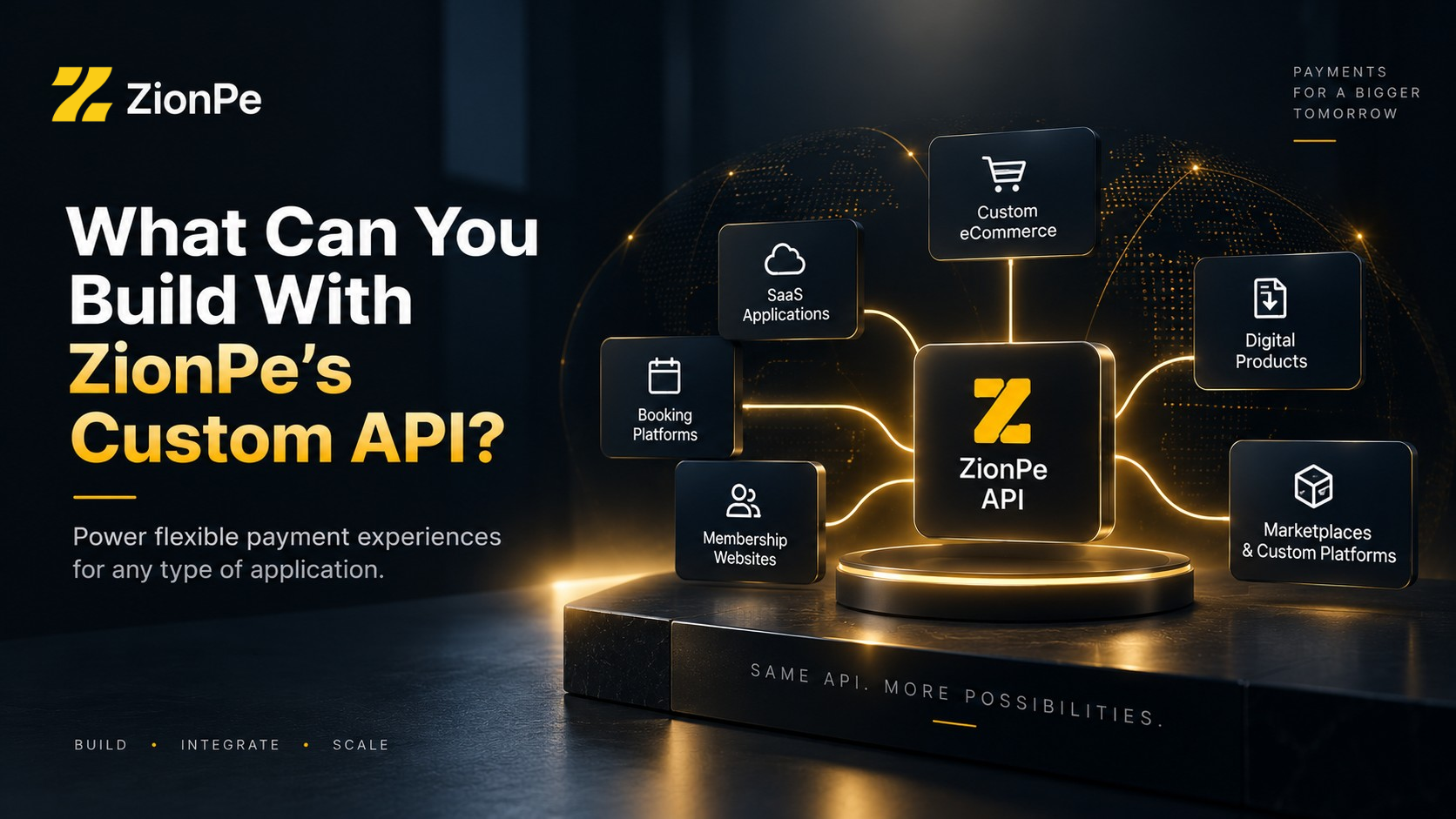
The Custom Website API isn't limited to traditional online stores.
Because the payment session is created programmatically, developers can integrate payments into many types of applications.
Custom eCommerce
A business can build its own product catalog, shopping cart and order-management system while using ZionPe for checkout.
SaaS Applications
A software company can connect payment actions to account creation, upgrades or paid features.
Booking Platforms
Hotels, consultants, event companies, agencies and service businesses can collect payment after a customer selects a booking.
Membership Websites
A custom membership system can send customers to ZionPe for payment and then activate access after successful verification.
Digital Products
Courses, downloads, licenses and other digital products can be connected to payment confirmation.
Marketplaces and Custom Platforms
Developers can integrate payment functionality into larger applications with their own business logic and workflows.
ZionPe itself describes the Custom API as suitable for custom software, applications, CRMs, ERP systems and mobile applications.
What About Different Programming Languages?
One of the benefits of an API-based integration is that your website doesn't necessarily have to use a particular technology stack.
ZionPe currently provides libraries for Node.js and PHP/Laravel, while its API documentation provides examples for other environments, including Python and cURL.
That means a business isn't necessarily forced to migrate its existing application simply because it wants to add ZionPe payments.
If the application's backend can securely make an HTTPS request and process JSON responses, it can potentially communicate with the API.
Testing Before Going Live
Payment integrations should always be tested before accepting real customer payments.
ZionPe provides a testing workflow using test cards, allowing developers to test successful and unsuccessful payment scenarios without moving real money. The documentation also covers testing 3D Secure flows and verifying payments after the checkout process.
A sensible testing process should include:
• Successful payment
• Declined payment
• 3D Secure authentication
• Cancelled checkout
• Expired checkout
• Payment verification
• Webhook delivery
• Duplicate request handling
• Incorrect API credentials
• Network/API errors
Before going live, developers should also make sure that the production success and cancellation URLs are configured correctly and that payment verification happens server-side.
The Biggest Advantage: Keep Your Existing Website
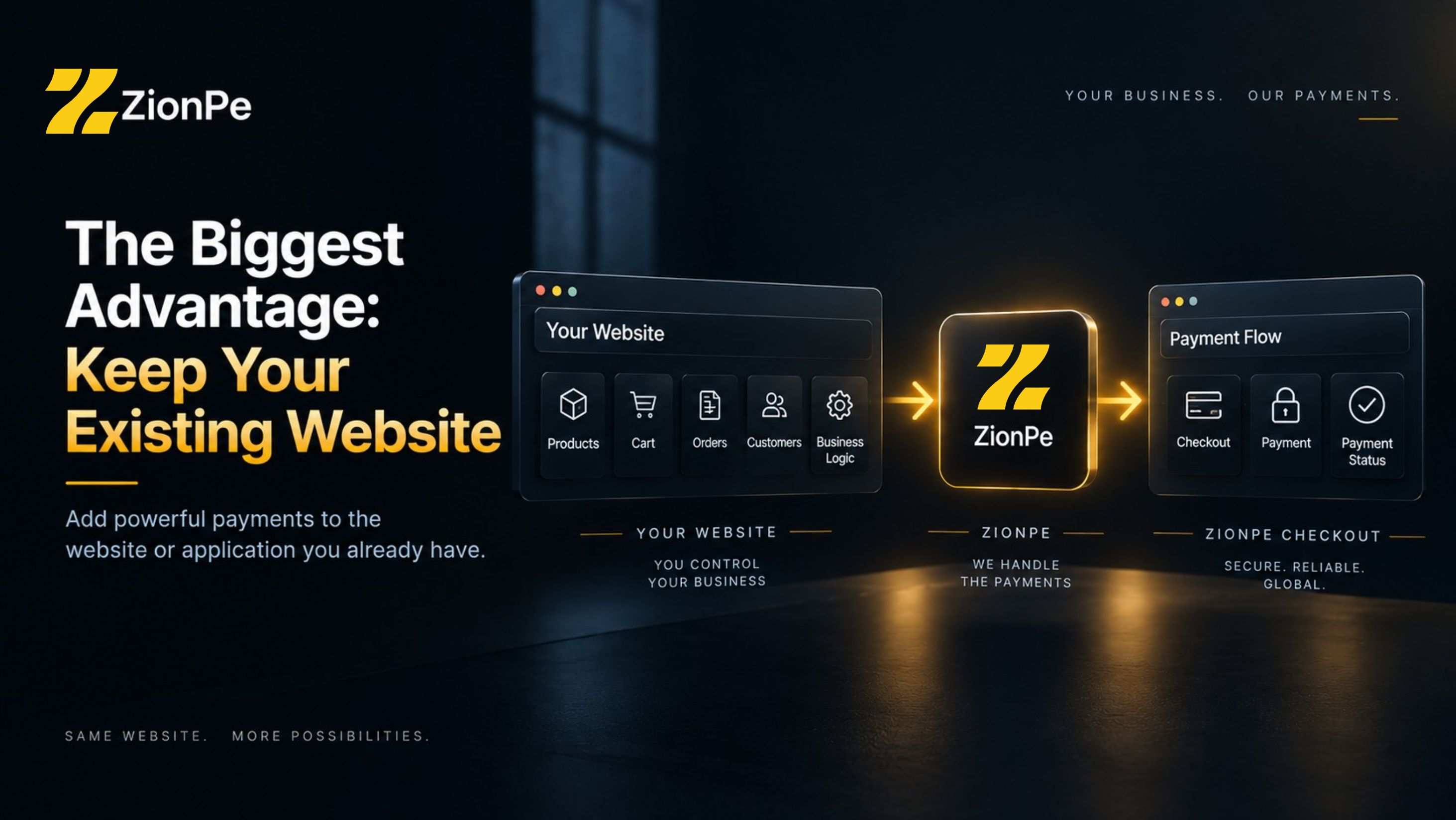
Perhaps the most important reason to consider the Custom Website API is simple: You don't have to rebuild your business around a payment platform.
If you've already invested in a custom website, application or software platform, the payment system can be added to the infrastructure you already have.
Your website remains responsible for the things that make your business unique:
Products → Cart → Orders → Customers → Business Logic
While ZionPe handles the hosted payment experience:
Checkout → Payment → Payment Status
This separation can make the overall architecture easier to manage.
Who Should Use ZionPe's Custom Website API?
The feature is particularly suitable for businesses that answer "yes" to questions such as:
• Do we have a custom-built website?
• Do we have our own development team?
• Do we operate a SaaS platform?
• Do we need custom payment logic?
• Do we want payment confirmation to update our own database?
• Do we need webhooks?
• Do we want to connect payments with an ERP or CRM?
• Do we need more flexibility than a standard plugin provides?
For these businesses, an API-based payment integration can be much more appropriate than trying to adapt a generic eCommerce plugin to a completely different application.
Get Started With ZionPe Custom Website Payments
ZionPe's Custom Website API provides developers with a relatively straightforward architecture for bringing payments into custom-built websites and applications.
The process is essentially:
1. Create a ZionPe account and complete the required account setup.
2. Generate your Custom Website credentials.
3. Store credentials securely on your server.
4. Create a checkout session through the ZionPe API.
5. Redirect your customer to the returned checkout URL.
6. Verify the payment on your server.
7. Use signed webhooks to keep your application synchronized with payment events.
8. Test the complete payment flow before going live.
ZionPe's official developer documentation provides the API reference, authentication information, webhook guidance and integration examples.
Read the ZionPe API Documentation
Final Thoughts
For a business with a custom-built website, adding payments shouldn't mean compromising the application's existing architecture.
ZionPe's Custom Website API takes a developer-first approach: your application controls the products, orders and business logic, while ZionPe provides the payment infrastructure and hosted checkout experience.
The result is a practical middle ground between building a payment system completely from scratch and forcing a custom application into the limitations of a pre-built plugin.
For developers, the workflow is familiar: make an API request, receive a checkout session, redirect the customer, verify the payment and process the resulting webhook.
For businesses, the outcome is even simpler: customers can pay online without rebuilding the website that already runs the business.